
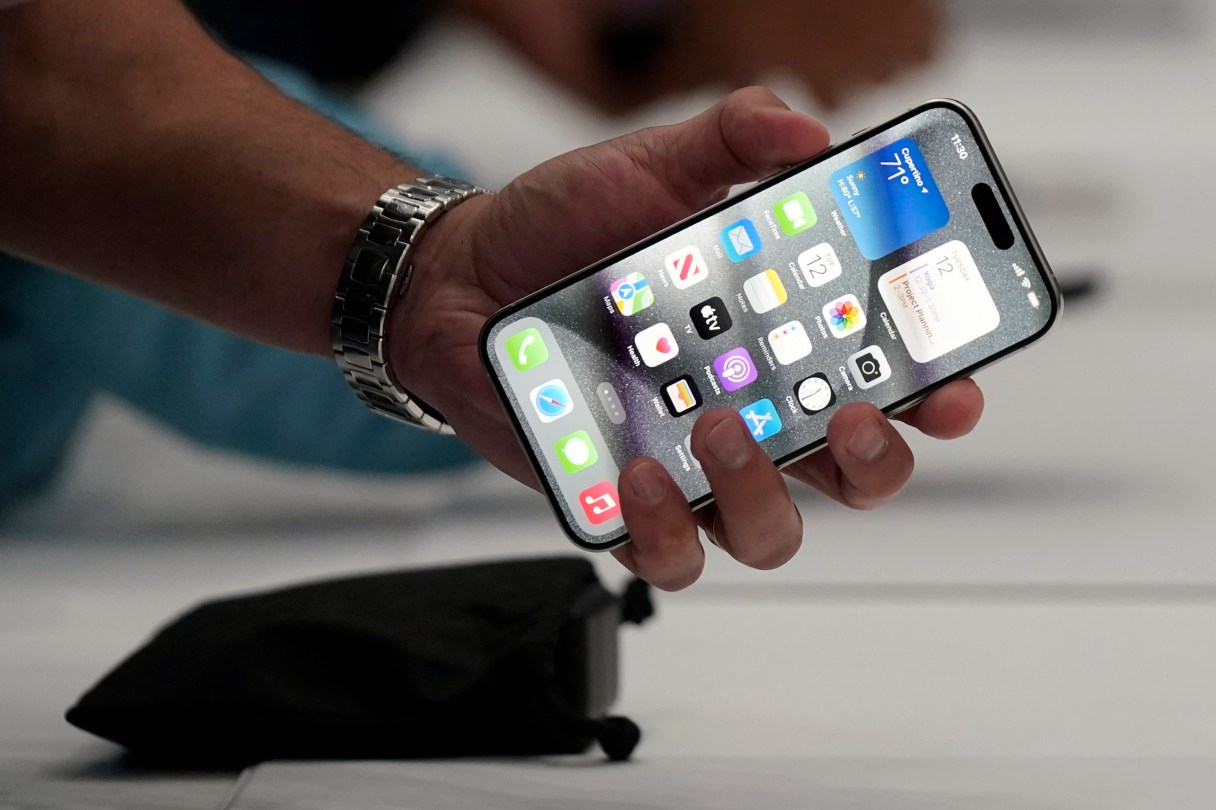
LONDON (AP) — You’re in a crowded bar when a thief watches you unlock your iPhone with your passcode, then swipes it. That sinking feeling hits when you realize it’s gone, along with priceless photos, important files, passwords on banking apps and other vital parts of your digital life.
Apple rolled out an update to its iOS operating system this week with a feature called Stolen Device Protection that makes it a lot harder for phone thieves to access key functions and settings. Users are being urged to turn it on immediately.
Here’s how to activate the new security option and why it’s so important:
SHOULD I TURN ON STOLEN DEVICE PROTECTION?
The software update for iPhones and iPads includes the essential new feature designed to foil thieves from wiping phones for resale or accessing Apple ID or other important accounts. Stolen Device Protection is a new setting that’s included with the latest iOS release, version 17.3.