
Sunday, November 15, 2026Nov 15

The end-call button on your iPhone could move soon. What to know about Apple’s iOS 17 change

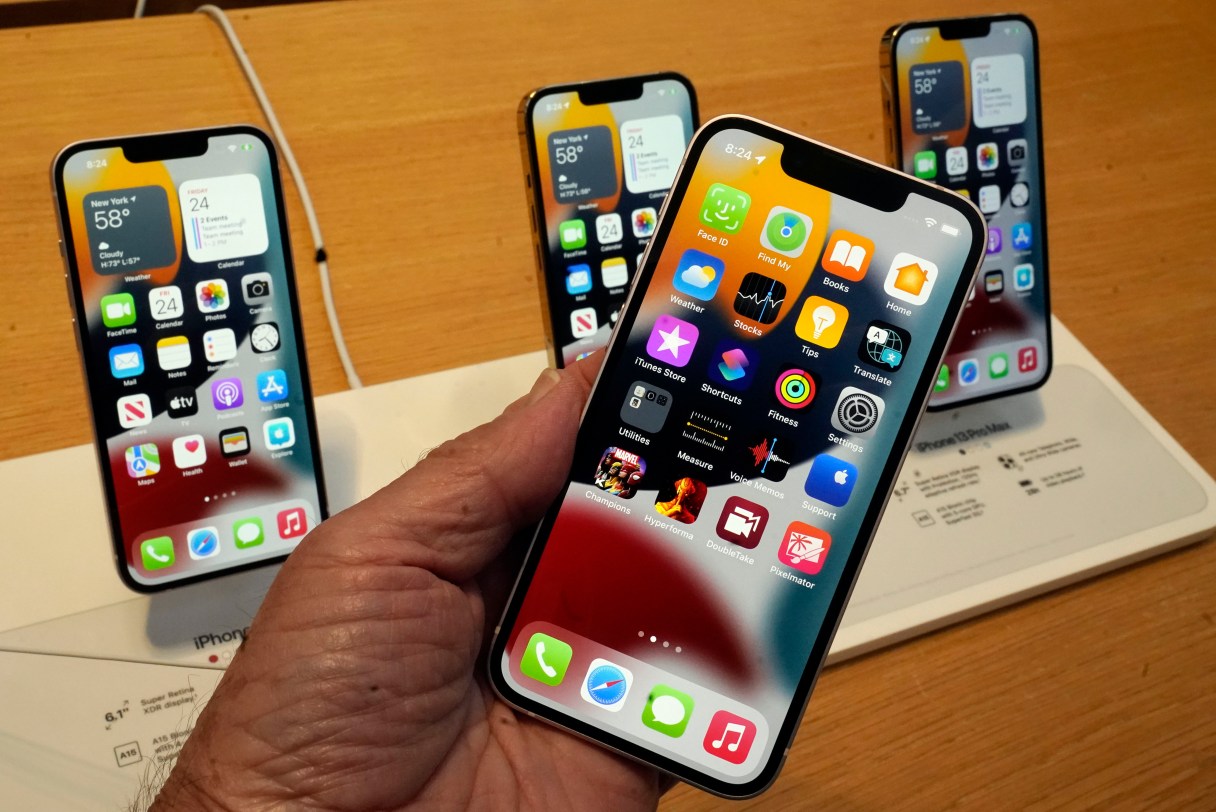
FILE - The line-up of the Apple iPhone 13 is displayed on their first day of sale, in New York, Friday, Sept. 24, 2021. The location of Apple’s red “end” button is set to slightly move with upcoming iOS 17 updates to the phone app. As iPhone users know, the “end” button currently sits prominently away from other call options, in a center position towards the bottom of the screen. But with iOS 17, which officially launches this fall 2023, the red icon will move the right — and other features will move down to join it. (AP Photo/Richard Drew, File)


NEW YORK (AP) — Hanging up that phone call? The location of Apple’s red end-call button is set to slightly move with upcoming iOS 17 updates to the phone app, so be wary of your thumb’s muscle memory.

As iPhone users know, the “End” button currently sits prominently away from other call options, in a center position towards the bottom of the screen. But with iOS 17, which officially launches this fall, the red icon will move the right — and other features will move down to join it.

While a iOS 17 preview guide from Apple showed this new setup in June, renewed attention has increased as some explore beta versions of the software upgrade. Images from iOS 17 beta versions shared by multiple news outlets this week show the small — but potentially frustrating — change.

Beyond the end button, there are additional changes to the placement of other call features seen on past iOS versions. The “Mute” and “Speaker” buttons, for example, have swapped — as have the “FaceTime” and “Keyboard” options. And it appears the feature allowing you to search for contacts has merged with the add call option.