
National Streaming Day in an unofficial holiday that was established when Saratoga, California, Mayor Emily Lo presented a special proclamation at Roku’s headquarters on May 20, 2014.
Lo recognized the advancements made in streaming services at that time, and Roku has continued to celebrate this special day annually on May 20. As it has gained popularity, Roku and other streaming services have included special promotions and discounts into the celebration.
As you can imagine, with the popularity of streaming platforms, this is an area where fraud has become prevalent as well. Whether it’s pop-ups on smart TVs or impostors trying to lure you to the wrong website when you’re securing streaming services, opportunities for you to fall victim are readily available. While they occur year round, those attempts may spike during the heightened attention given to streaming services on National Streaming Day.
You might not think of your smart TV as a target of a scheme, and if that’s the case, you’re not alone. Reports to BBB Scam Tracker show many people have been caught off guard by pop-ups on their smart TVs that were designed to steal personal information and money.
Here’s how it typically works: You open a familiar streaming service on your smart TV but find you can’t log in. Instead, a pop-up appears, telling you there’s a problem with your device or your streaming subscription. It provides a phone number and/or website and instructs you to use one of these for help in resolving the issue.
Please don’t do it, unless you have verified first that the number truly belongs to your streaming service provider. Otherwise, chances are that you will reach someone pretending to be a customer service representative who will insist you need to pay an activation fee or allow them remote access to your smart TV to resolve the issue.
If you go forward by providing a credit or debit card number, you would likely be authorizing them to charge you for a nonexistent fee and could be giving your banking information to someone who plans to add additional fake charges or purchases on to your account.
Sometimes scammers will ask you to pay them in gift cards. One individual reported on BBB Scam Tracker that after calling a number that appeared in a pop-up on their smart TV, a scammer instructed them to purchase three $100 Xbox gift cards to add “antihacking protection” to their account. After buying the gift cards and contacting the number again, it became clear they were dealing with scammers.
If you allow them to have remote access to your device or if you click on a link they provide, they will likely install malware on your TV and use it to gain access to sensitive personal information.
If you’ve just signed up for a streaming service, you’ll also want to be careful when activating your account. Unfortunately, scammers will try to steal login information and other personal data by using fake websites that mimic those used by the authentic streaming service provider.
Here’s how that scam works: You purchase a subscription to a streaming service, and to activate it, you’re asked to log in on your web browser. While this is a common step in setting up a new service, when you go to find the provider online, you could find several website options that claim to be connected to the streaming service’s official name. The scammer is hoping you’ll click on one of the first links without doing your research.
If you end up on an impostor’s site, you’ll probably soon realize the website doesn’t look quite right. For example, the site might prompt you to update your web browser. If you click “update” or any other button, you could download malware that gives scammers access to your personal information.
By accessing a scammer’s site, you are also at risk of them downloading spyware onto your computer, which would allow them to track your keystrokes and eventually compromise your accounts.
Even if you don’t run into browser update requests, a lookalike site will likely ask you to login using your username and password that you’ve set up. As those credentials go to a scammer’s hands, it gives them information that would allow them to not only access your real streaming account, but also anywhere else you use the same username and password. (This is a key reason why BBB recommends not duplicating passwords on multiple accounts).
These scenarios highlight how extremely important it is to check the URL of a website and confirm it’s authentic before you click over to that site.
Here’s some additional tips from your BBB to avoid smart TV and streaming subscription scams:
— Double-check any fees you have to pay. If scammers ask you to pay an activation fee, antivirus protection fee or any other kind of fee, research beforehand. For example, scammers claim you must pay an activation fee to use your Roku. However, a quick online search reveals Roku never charges activation or registration fees.
— Don’t fall for fake websites. Scammers can make fake websites look legitimate in search engine results, but they can’t copy a website’s official URL. Before you click on a website, check that the URL is spelled correctly. Scammers love to create imitation websites, and URLs may only be off by a letter or two. Fake websites are a threat, even on smart TVs.
— Be wary of ads and sponsored links. Sometimes scammers use fake ads to get their lookalike website to appear first in the search results. Be watchful for those and also avoid clicking on links in pop-ups. Instead, type web URLs you’ve confirmed to be valid directly into your browser.
— Check before you call. If a “customer service” phone number appears in a pop-up, double-check it before you call. Contact a streaming service or TV manufacturer’s valid website to find their customer support number.
— Be careful with your login information. Ensure you are on an official website before entering your username and password. Never enter this information into third-party websites. Keep in mind that legitimate customer service representatives generally do not ask for passwords over the phone or through email.
— Never let anyone control your device remotely. Scammers usually ask for remote computer access but could also request access to your smart TV. Don’t ever give control of your device to a stranger.
If you spot a smart TV or streaming service scam, please consider reporting it to BBB.org/ScamTracker. Your report can help protect others from falling victim.
Michele Mason is president of the Better Business Bureau in Chattanooga. You can reach BBB serving Southeast Tennessee & Northwest Georgia at 423-266-6144 or tngabbb@chattanooga.bbb.org.
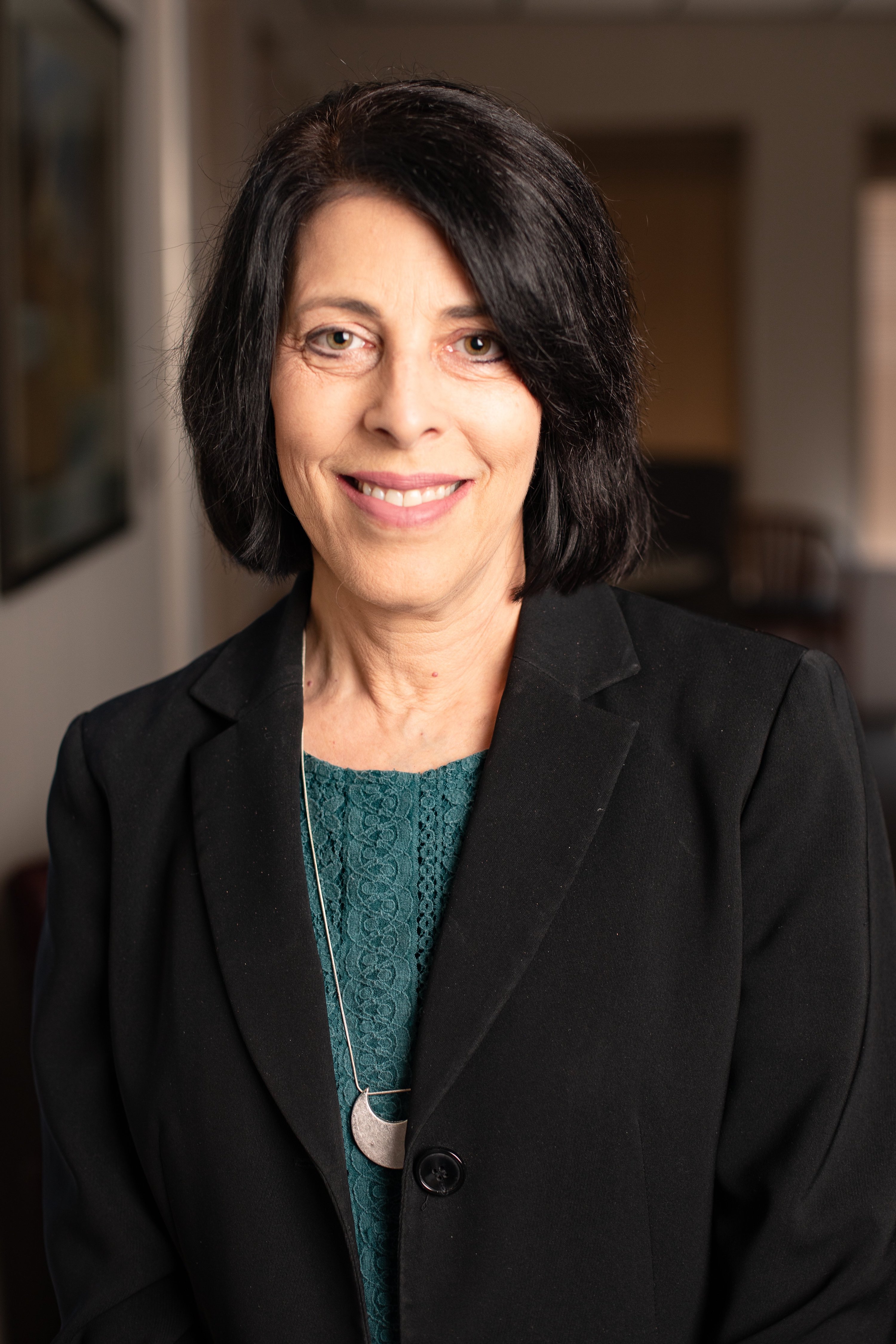 Staff photo / Chattanooga Better Business Bureau President Michele Mason poses for a portrait in 2021 in Chattanooga.