
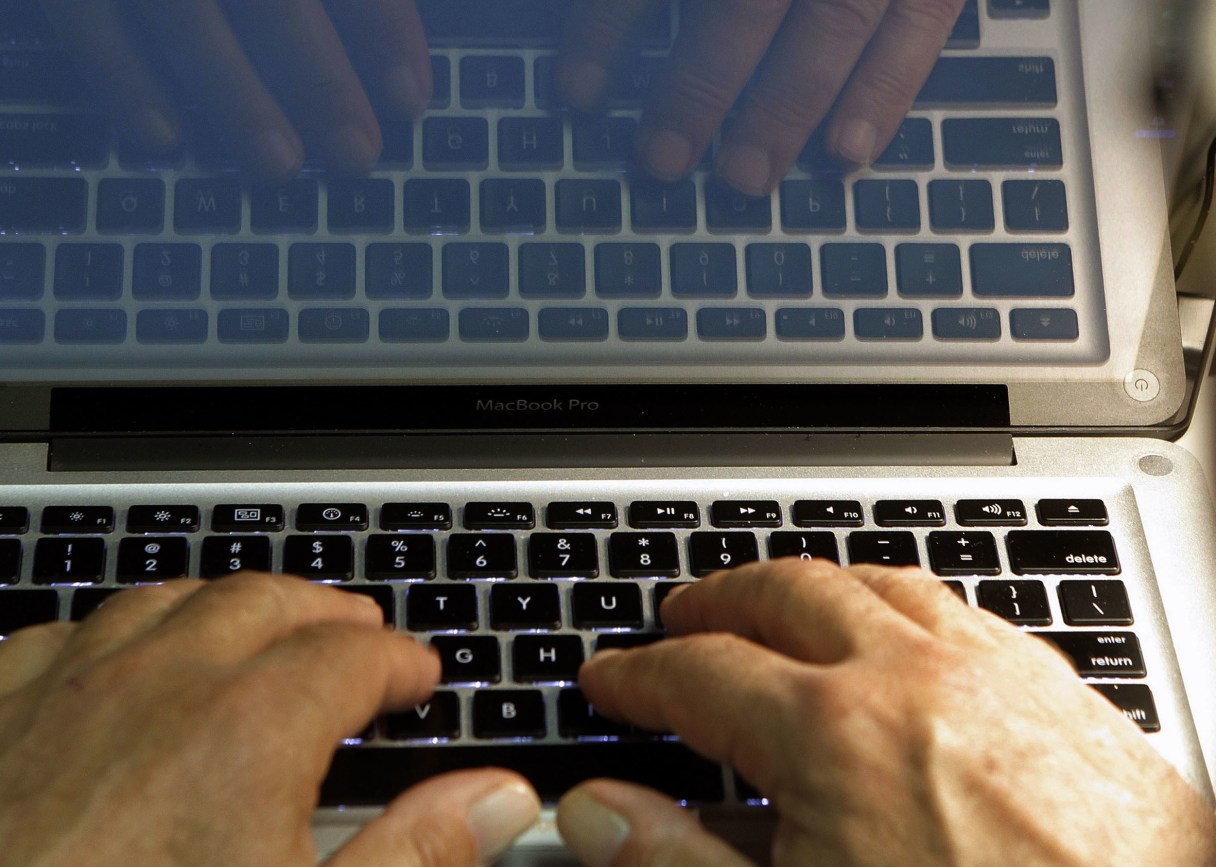
While all 50 states have data breach laws, Consumer Reports tells us the provisions widely vary and enforcement is uneven. As most of us know, HIPAA requires medical facilities to protect patient confidentiality and report any breach immediately. However, it’s up to the consumer to be the first line of defense; even with this medical info, the consumer is her/his own best advocate (hence, this column). With this urging, the following steps still are crucial for data security.
1. Keep your mouth shut. Any – and I mean any – personal information must remain sacrosanct! No scummies can steal a single piece of info if you don’t divulge it. (For example, please recall all my advice about not revealing your Social Security number, even at the request of a physician’s office, for instance.)
 Ellen Phillips
 2. Who was your mom? Forget her maiden name, which is often the first clue for which a scammer searches. As a matter of fact, some companies even ask for that information when posing its/your security question, which is pretty dumb on their parts. Make up a fictitious name or, if that’s too hard to remember, add your mother-in-law’s maiden name.
3. Be unique. Yes, it’s critical we use a strong password but likewise important that we create a different one for each site. Most expect a password to equal at least eight characters, with a minimum of one upper and lower case letter, one number, and one character such as !, ?, *, or ~. Perhaps your three children (Katie; Bill, and Jason) were born in, respectively, March, April, and September; therefore, one possible combination could be kmBajs3!* If your brain is foggy that day and you’re unsure what to create for a different site, reverse the order combination for that second one but substitute another character: ~!3sjaBmk.
4. Use a secondary email. For personal or sensitive mail, use a primary email address. On the other hand, for purchases, blogs, and the like, use an address for which you don’t care if the site sells it to other companies. This obviously limits the usage of confidential info. (Too, a Paypal account is a wise choice so a credit card isn’t necessary on which thieves can thrive.)